Basic Settings
Go to Data Collect >> Basic to Enable/Disable the Data Collect features, and set the collect period, report period in seconds. Also Enable/Disable Cache locally
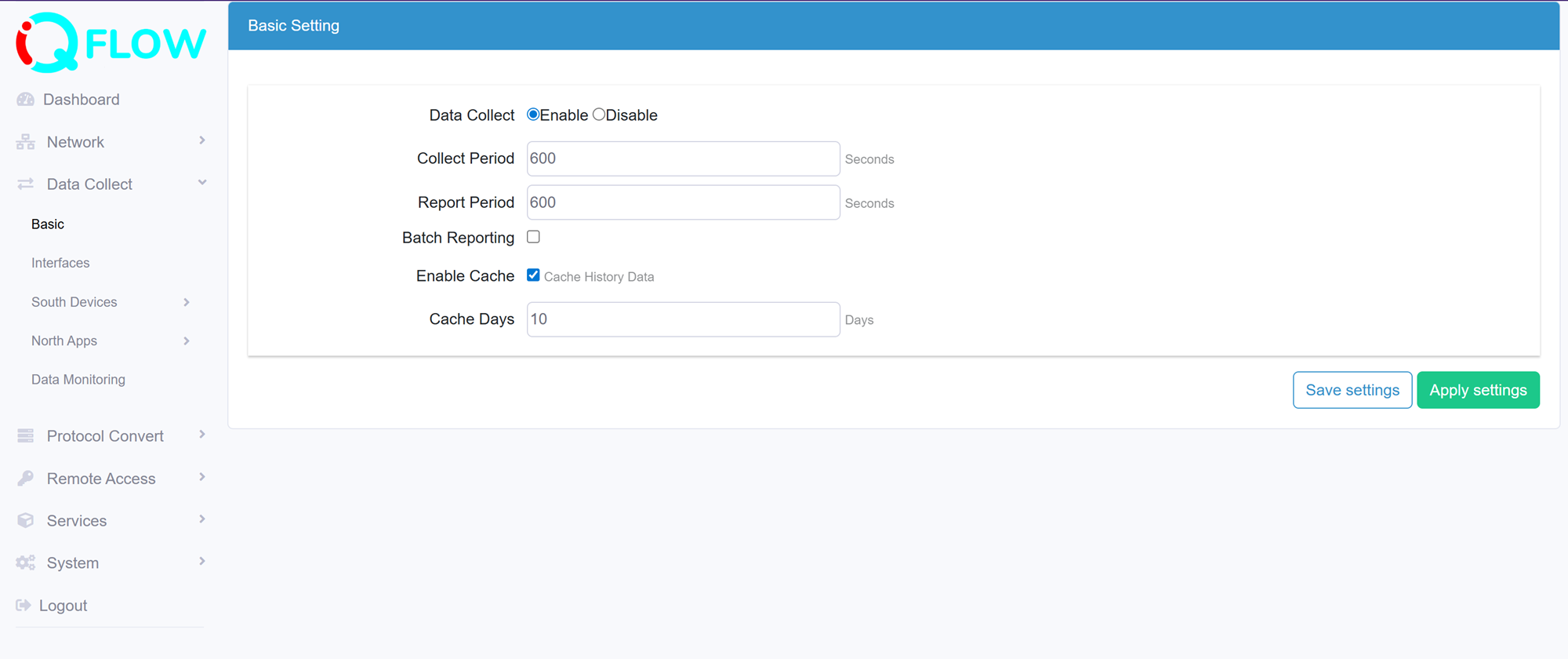
- Data Collect: Enable or Disable data collect feature.
- Collect Period: Set the interval of data acquire from south devices.
- Report Period: Set the interval of data report to North Apps.
- Enable Cache: Enable or Disable data cache locally. This allows Edge gateway store the collected data in a database file locally.
- Cache Days: Set how long (days) local data be stored, the latest data will over write the oldest data in this period.