WiFi Client
WiFi Client (STA Mode) refers to that the Edge gateway operates as a client to connect to a surrounding WiFi network to get internet. In this mode, Edge gateway like a smartphone or laptop connect to your office Access Point (AP) to gain access to internet.
Go to Network >> WiFi Client to view and configure the WiFi Client related settings.
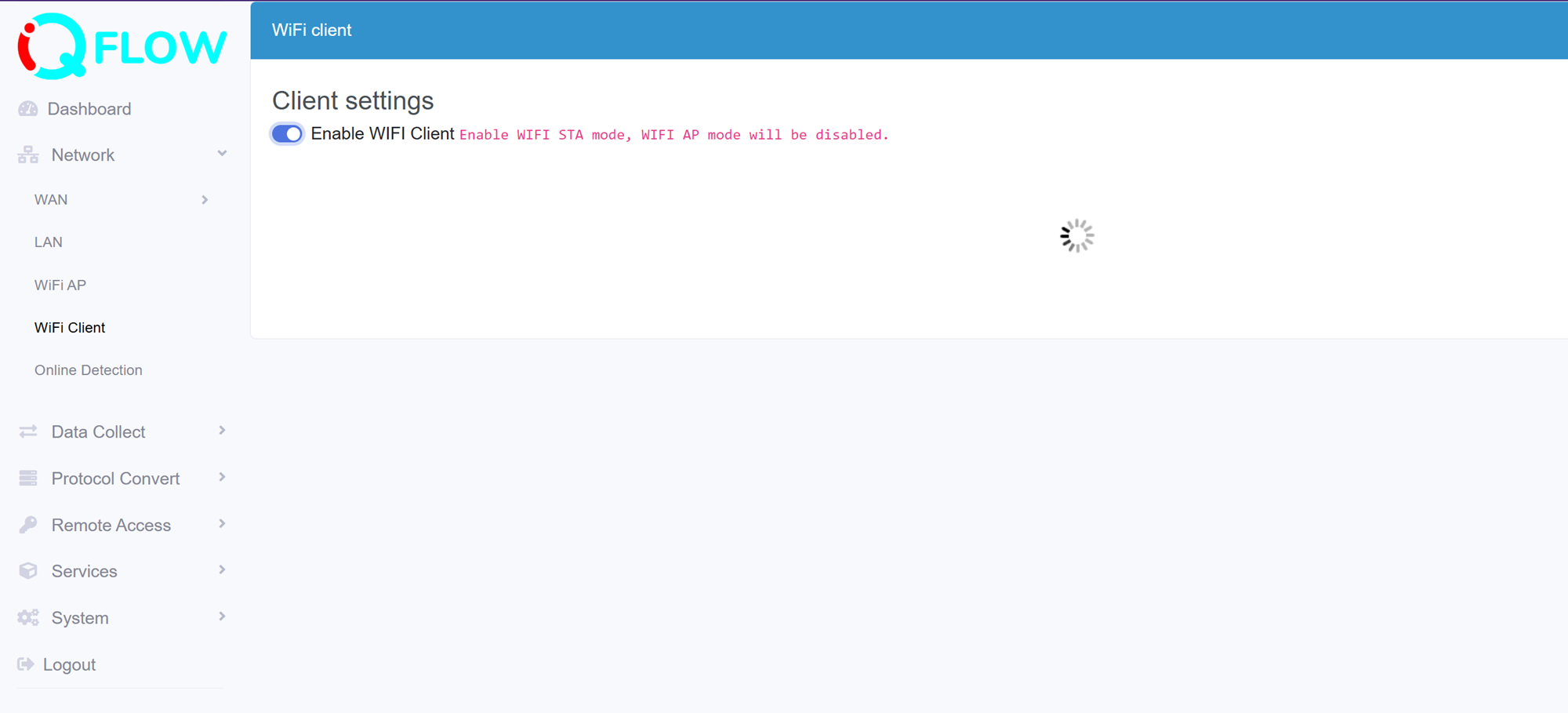
- Enable the WiFI Client (STA mode) feature, the default is not enabled. It will scan surrounding available AP automatically after enabled the WiFI Client. Find the expected one and input its password to connect. You are allowed to update/delete the connected and known APs
- Rescan the available WiFi AP list.