BACnet Rules
BACnet (Building Automation and Control Networks) is a communication protocol designed for building automation and control systems. It supports various communication media (e.g., IP, RS-485) between devices interoperability.
BACnet Rules refers to configuring the rule for Edge gateway as BACnet client to communicate data with southbound devices by BACnet protocol, including BACnet MSTP and BACnet IP protocols.
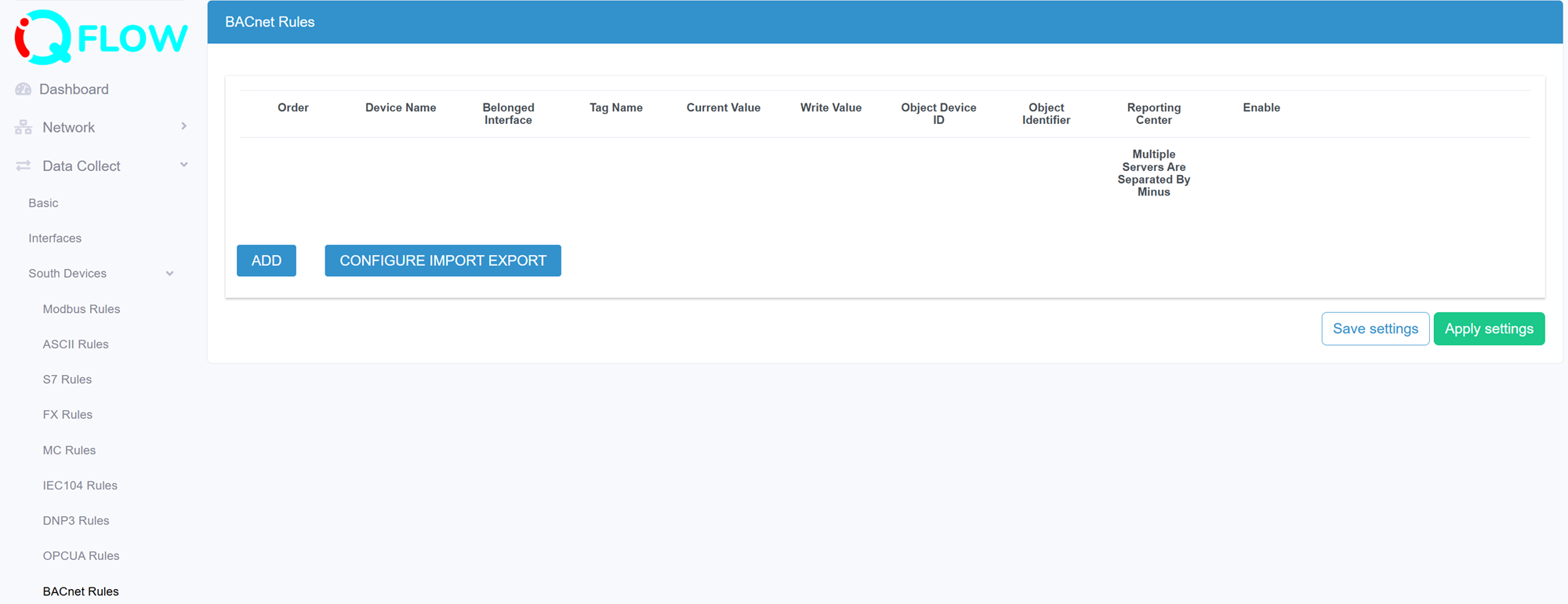
Go to Data Collect >> South Devices>> BACnet Rules to view and configure BACnet Rules.
Add a BACnet rule
Click “Add” button to add a new BACnet collection rule
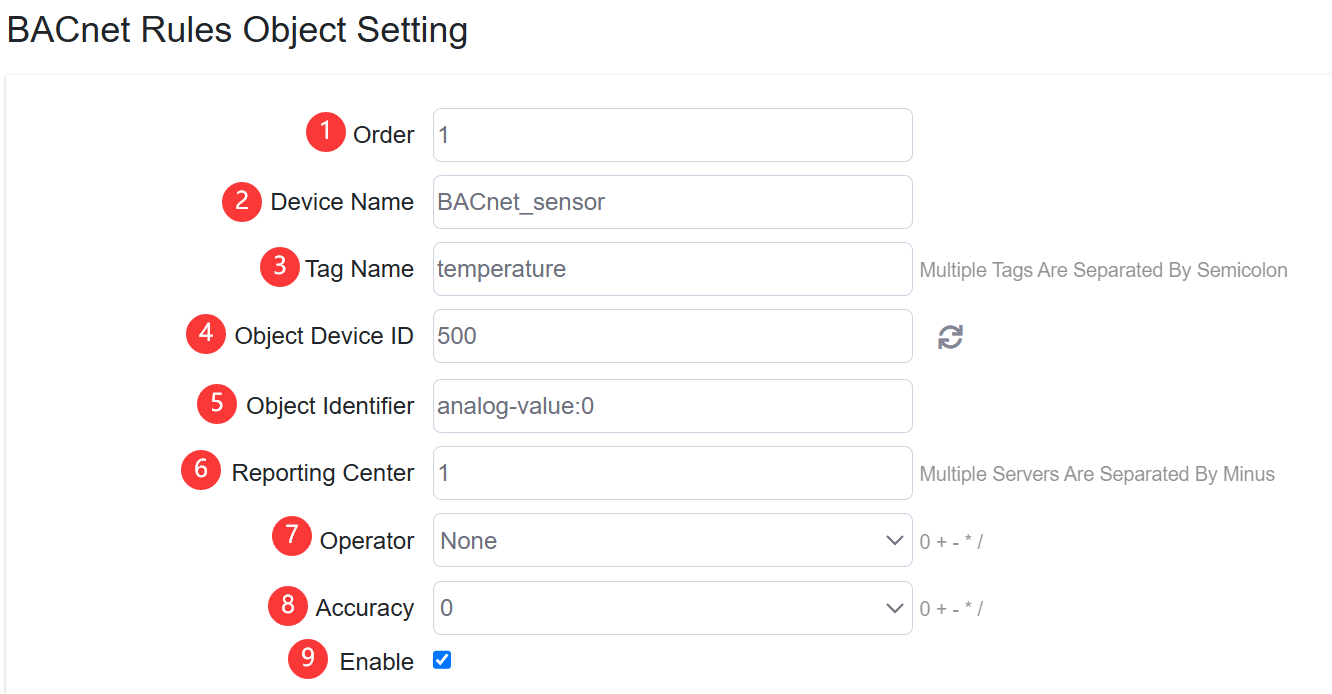
- Set the rule order
- Specify the southbound device name
- Configure the Tag Name of data collected from southbound device.
- Configure the Object Device ID manually, you can also click the button to scan BACnet south device ID automatically.
- Configure the Object Identifier.
- Specify the reporting center that the collected data be reported to. The number is associated to North App>>Reporting Server "1~5"
- Configure the operator and operand to calculate the collected data
- Configure the accuracy of calculated value, the number of decimal places
- Enable/disable the rule be applied